
Your attendance and deadlines, on your home screen.
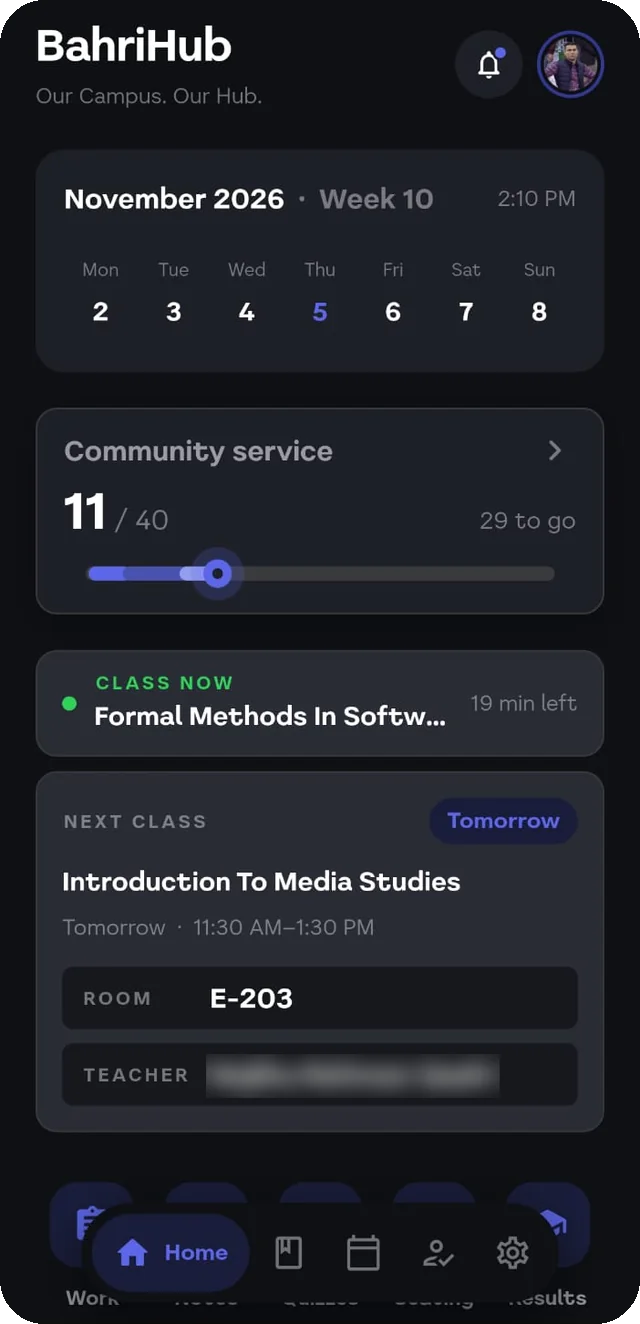
BahriHub signs into the CMS and LMS once, then keeps a widget and your notifications up to date, so you stop reopening the portal to find out where you stand.
Free. Version 1.7.0, about 45 MB, for Android 7 or newer.
Built by Farhan, a Software Engineering student at Bahria Karachi
22
updates in 10 weeks
0
ads, and no account with us
The one minute tour
What it looks like this semester.
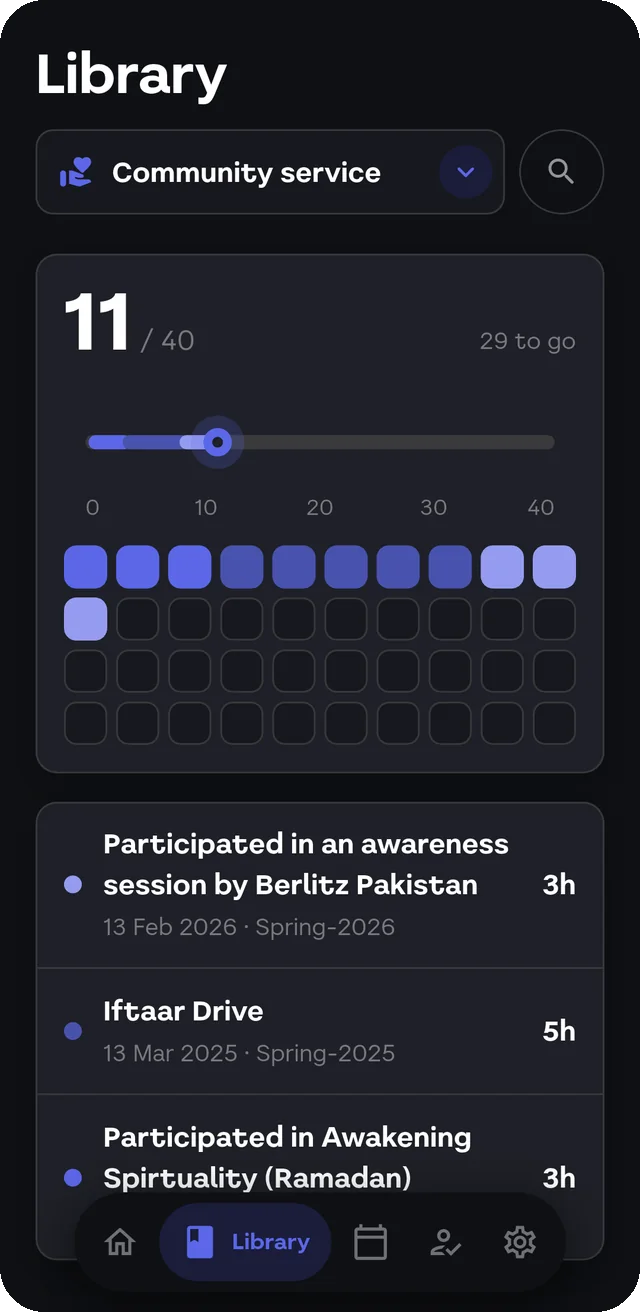
Community service
11 of 40 hours, every entry listed, and a notification the day the university adds one.
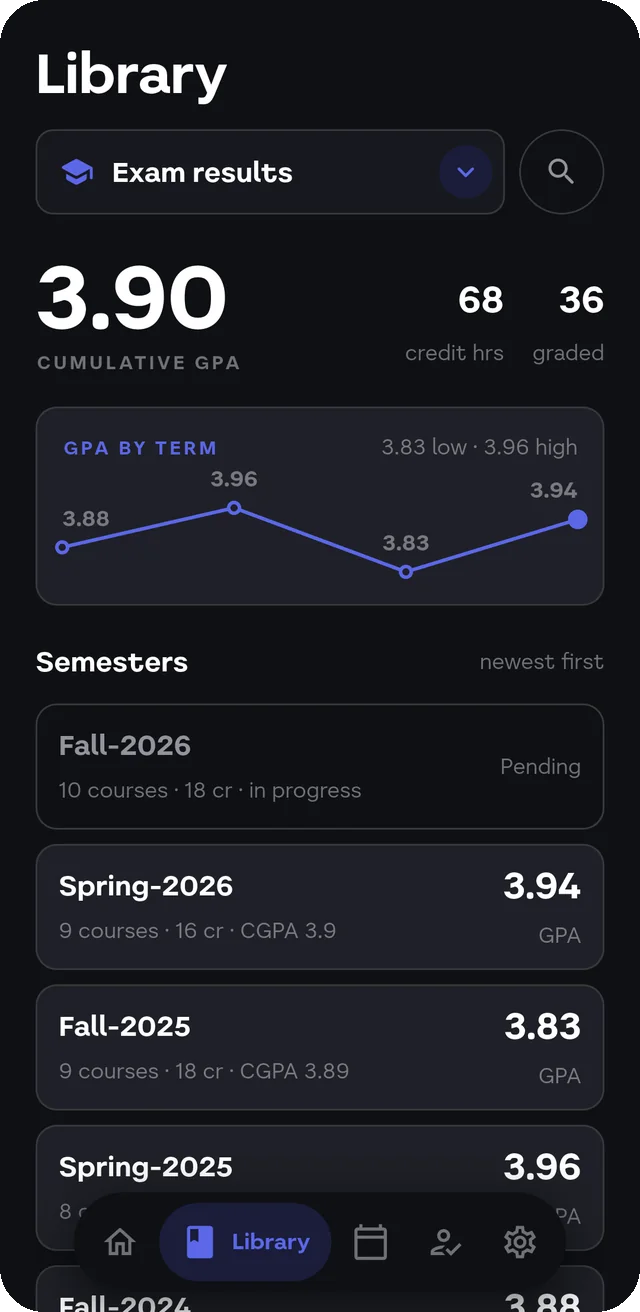
Results
Every term's GPA on one line, and a CGPA you did not have to add up yourself.
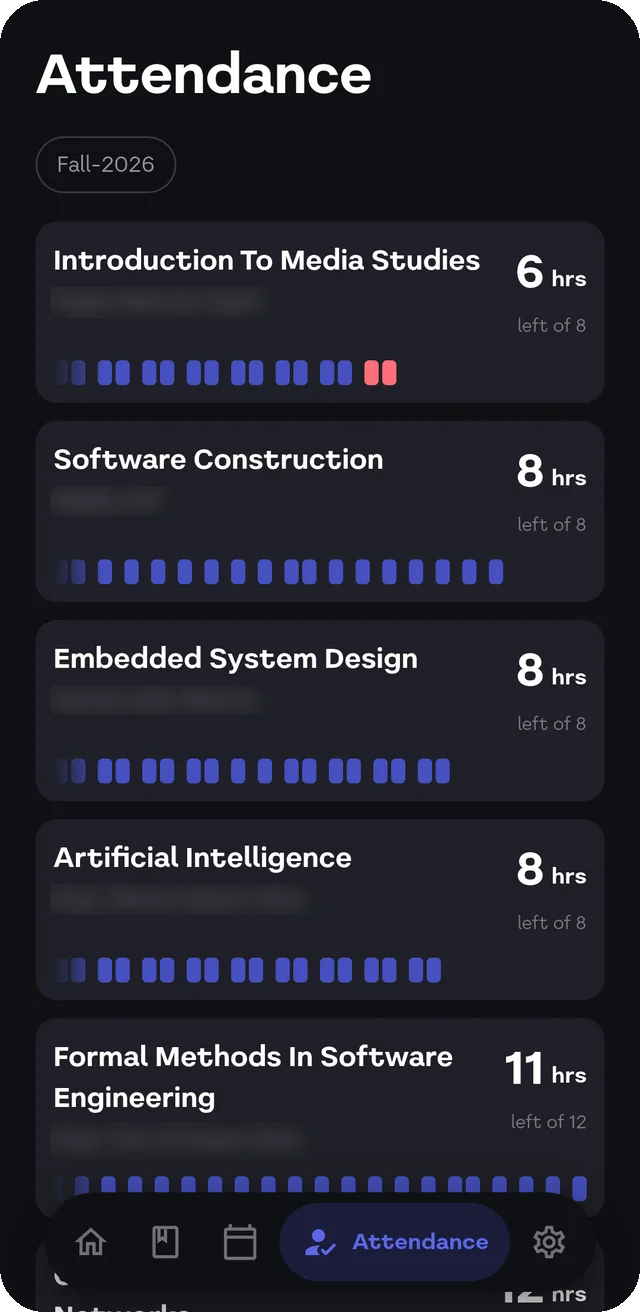
Attendance
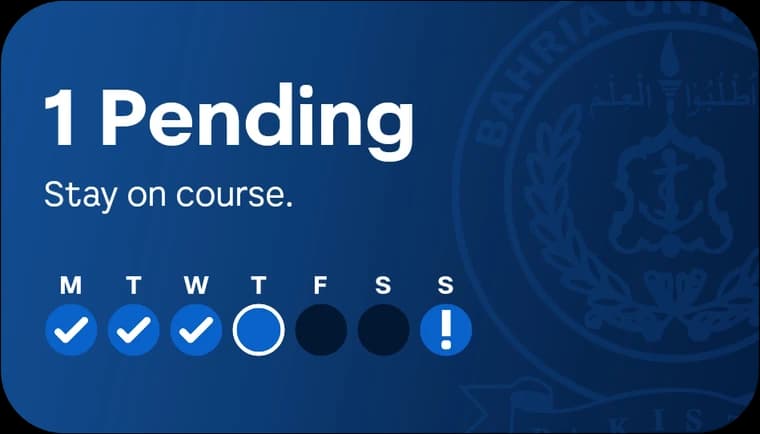
Hours left in each course, not a percentage you have to turn into hours.
- New: community service hours, on Home and in the Library, with a heads up when the university adds some.
- New: evaluation forms and your admit card, right in the app.
- New: share a timetable PDF from any app straight into BahriHub.
- New: leave a review from About.
- Home now shows which week of the semester it is. During exams your classes stay quiet and the next paper stays up.
- Attendance alerts say how many hours were marked, and alarms show when the thing happens.
- Redesigned Account, My alarms, Contact and Review, and fixed timetable import missing a lab.
22 updates in 10 weeks.
Read every updateThe first build went out on 25 August. Every update since has its notes written down, so you can see what changed and when.
Built by a classmate, not a company.
I'm Farhan, a Software Engineering student at Bahria University Karachi. I made BahriHub because I was tired of reopening the CMS to count my own absences. It is free, it is not affiliated with the university, and when something breaks, I fix it. Tell me from inside the app, under About, Contact us.
Your password stays on your phone.
It goes only to Bahria's own portal. There is no BahriHub server in between.
No ads, and no account with us.
The one thing it shares is a nameless count of campus and class, so the university can see how many students use it. You can switch that off.
Every release is public.
The builds and their checksums are published on GitHub, and the privacy policy is written out in full.
- Read how it handles your passwordSee the releases on GitHub
Before you install.
Is BahriHub official, or affiliated with Bahria University?
No. It's an independent project built by Muhammad Farhan, a Bahria University Karachi Campus student studying software engineering, not the university itself. It signs into the same CMS you already use, with your own login - nothing about the portal itself changes.
Is my CMS password safe?
You get a choice. Sign in through the built-in browser and BahriHub never sees your password at all - it goes straight into Bahria's own login page. Turn on auto-fetch instead, and your password is encrypted on your device (Android Keystore) and sent directly to Bahria's CMS over HTTPS to refresh your data in the background. Either way, there's no BahriHub server in between.
Does this work for every campus or program?
Yes. BahriHub has been tested and works at every Bahria campus and for every programme. You choose your campus when you sign in.
Is it free?
Yes, completely free.
What happens if the CMS is down or changes?
BahriHub reads the same portal you do, so if the CMS is down, BahriHub can't fetch anything either. When the university changes the portal, BahriHub gets updated to match.
Is there an iOS version?
Not yet. Android came first and iOS is planned for after. There is a sign-up on the download section: leave your email and you will hear once there is something to install.
Your phone will ask one question. Here is the answer.
Tap Download.
The file is about 45 MB. Your phone picks the build that fits it.
Allow your browser to install it.
Android asks this once for any app that does not come from the Play Store. Tap Allow.
Open the file and tap Install.
If Play Protect says it does not know the app, tap More details, then Install anyway.